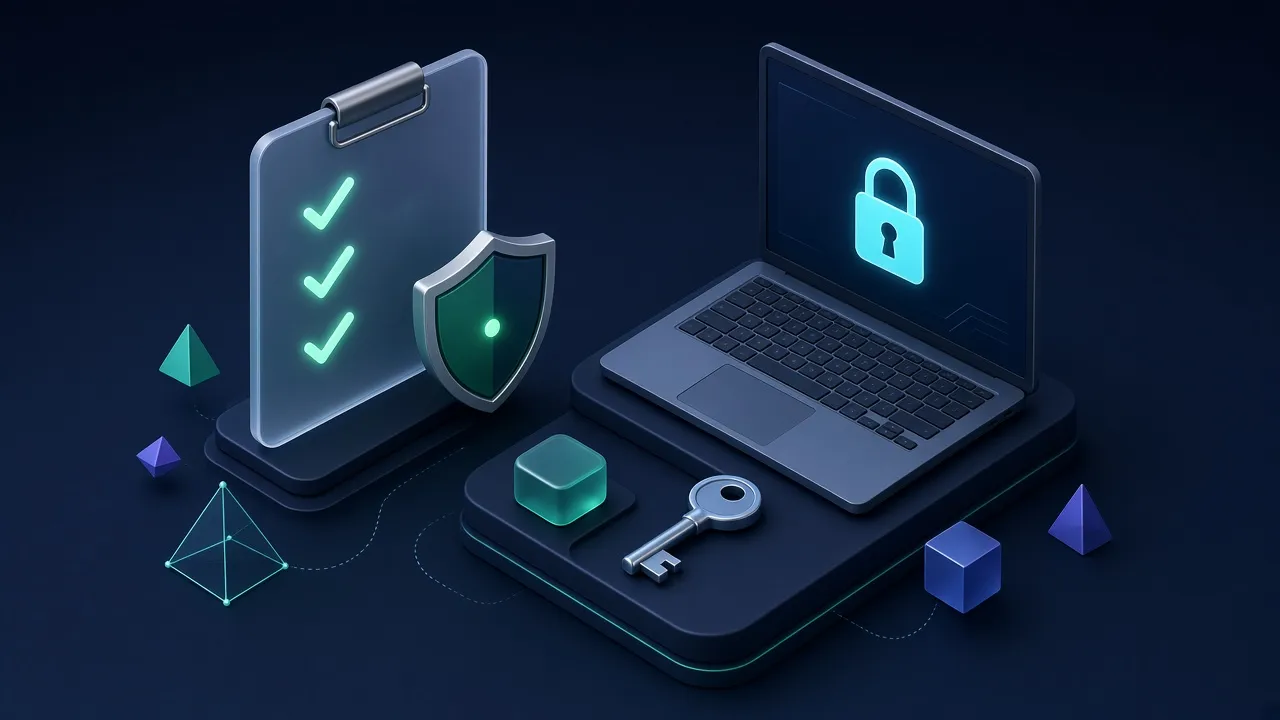
Security advice for small businesses tends to be either too vague ('be careful online') or too enterprise-focused to be practical. This checklist sits in between: twelve controls, ordered roughly by impact, that a small team can implement without a security department. It is not a compliance framework, and it does not replace professional advice for regulated industries.
Identity and access
- Turn on multi-factor authentication (MFA) for email, banking, payroll and every admin account. Prefer authenticator apps or passkeys over SMS where available.
- Roll out a business password manager and make it mandatory for work accounts. Track adoption in the admin console.
- Give admin rights only to people who need them, and use separate admin accounts for administrative tasks.
- Write an offboarding checklist: revoke access the same day someone leaves, and transfer ownership of their files and accounts.
Devices
- Keep operating systems and browsers on automatic updates.
- Use managed endpoint protection so you can see the security status of every device in one place.
- Enable full-disk encryption (BitLocker on Windows, FileVault on macOS).
- Require screen locks and the ability to remotely wipe lost devices.
Data and recovery
- Back up critical data automatically, with at least one copy off-site and protected from deletion.
- Test a restore every quarter. Time how long it takes.
- Review sharing settings in your cloud drive — remove 'anyone with the link' shares on sensitive files.
People
- Run short, regular phishing awareness sessions, and make it easy and blame-free to report suspicious messages.
Where to start
If you can only do three things this month, do MFA, a password manager and tested backups. Together they address the most common causes of serious incidents for small businesses: account takeover, credential reuse and ransomware.
Use our free interactive security checklist to track your progress and share it with your team.
A 30-day implementation plan
You do not need to do everything at once. The order below delivers the biggest risk reduction first and spreads the work so a busy owner or office manager can complete it in about a month.
Week 1: accounts
- Turn on multi-factor authentication for email, banking, accounting and your domain registrar.
- Roll out a business password manager and move shared logins into shared vaults.
- Remove accounts for people who have left.
Week 2: devices
- Turn on automatic updates for operating systems and browsers.
- Enable full-disk encryption on every laptop.
- Install or enable endpoint protection and confirm every device reports in.
Week 3: data
- Set up automatic backups of laptops and cloud apps such as Microsoft 365 or Google Workspace.
- Test restoring a file and a mailbox.
- Review who has access to shared drives and remove broad sharing links.
Week 4: people and process
- Run a 30-minute phishing awareness session.
- Agree a call-back rule for payment and bank-detail changes.
- Write a one-page incident plan: who to call and what to do first.
What this costs
For a ten-person business, the core controls typically cost less than a single employee's monthly software budget. A business password manager runs roughly $2–8 per user per month, endpoint protection a few dollars per device per month, and cloud backup from a few dollars per computer. Many controls — automatic updates, disk encryption, multi-factor authentication — are free and already built into the tools you own.
Signs you need outside help
Bring in a managed service provider or security consultant if you handle regulated data (health, payment cards, legal records), if a customer contract requires security attestations, if you have had a security incident, or if nobody in the business has time to review alerts. A good provider will start with the same controls listed here, then add monitoring and response.
Frequently overlooked risks
- Domain registrar accounts without MFA — losing control of your domain means losing email and your website.
- Former staff and contractors who still have access to shared drives or SaaS tools.
- Personal devices used for work without a screen lock or updates.
- Backups stored only in the same cloud account they are meant to protect.
- Invoices paid on email instructions alone.
Frequently asked questions
What is the most important cybersecurity control?
Multi-factor authentication on email and other critical accounts, closely followed by a password manager and tested backups.
How much should a small business spend on security?
Core controls often cost only a few dollars per user per month, and many are included in tools you already pay for.
Do small businesses get hacked?
Yes. Phishing, account takeover and payment fraud regularly affect small businesses, often because they have fewer controls.
Do I need cyber insurance?
It can help with recovery costs, but insurers usually require controls such as MFA and backups first.
Related guides
Best Password Managers for Business
The best password managers for business — 1Password, Bitwarden, Keeper, Dashlane, NordPass and Proton Pass compared on security, admin controls, usability and price per user.



 Updated November 3, 2026
Related comparisons
Tools mentioned
A polished business password manager with strong admin controls and excellent usability.
Open-source password management with outstanding value and self-hosting.

Simple, unlimited computer backup and low-cost cloud storage.